Picture this: You're in a hurry to pull up a presentation on your Android tablet before a big meeting, but the screen freezes halfway through loading. Or maybe your kid is yelling because their favorite game on the kids tablet keeps crashing when they try to switch apps. Chances are, the culprit isn't just the processor or RAM—it might be the storage type under the hood. For anyone using Android devices, from a tiny kids tablet to a large meeting room digital signage display, understanding storage isn't just about how many photos or apps you can fit. It's about how fast, smooth, and reliable your device feels every day. Today, we're diving into the two most common storage technologies in Android tablets: eMMC and UFS. By the end, you'll know why one might make your tablet feel like a clunky old laptop and the other like a sleek, responsive machine—whether you're shopping for a budget kids tablet or outfitting a conference room with cutting-edge Android tablet digital signage.
What Even Is Storage in an Android Tablet?
Before we jump into eMMC and UFS, let's get back to basics. Storage in a tablet is like the digital closet where all your apps, photos, videos, and files live. But it's not just a passive closet—it's more like a busy warehouse that needs to quickly fetch, organize, and store items on demand. Every time you open a game on a kids tablet, stream a video on an Android tablet, or load a presentation on meeting room digital signage, your device is pulling data from storage. The speed and efficiency of this process? That's where eMMC and UFS come into play.
eMMC: The Reliable Workhorse of Budget Devices
Let's start with eMMC, which stands for Embedded MultiMediaCard. If you've ever used a budget Android tablet, a basic kids tablet, or even some older digital photo frames, there's a good chance it's running on eMMC storage. Think of eMMC as the reliable, no-frills option—like a compact car that gets you from point A to B without any fancy extras, but does so consistently.
A Quick History Lesson
eMMC has been around since the early 2000s, developed by the JEDEC Solid State Technology Association to standardize storage in mobile devices. Back then, smartphones and tablets were just starting to take off, and manufacturers needed a cheap, small, and easy-to-integrate storage solution. eMMC delivered: it combined a NAND flash memory chip and a controller into a single package, making it simple to embed in tiny devices. Over the years, it's evolved through versions—from eMMC 4.5 (common in the early 2010s) to eMMC 5.1 and 5.2 (still used today in budget devices)—each time boosting speeds a bit, but never straying far from its roots as an affordable option.
How eMMC Works (In Simple Terms)
At its core, eMMC uses a single data channel to read and write data. Imagine a narrow hallway where only one person can walk at a time—if you need to carry multiple boxes (data) in and out, you have to wait your turn. This single-channel design keeps costs low but limits speed. eMMC also uses a simpler controller compared to UFS, which handles tasks like error correction and wear leveling (extending the life of the storage) but isn't optimized for heavy multitasking.
Real-World Performance
So, what does this mean for you? On a kids tablet with eMMC storage, loading a basic educational game or streaming a cartoon might feel snappy enough. But if you try to do more—like downloading a large app while streaming a video and browsing photos—you'll likely notice lag. Read speeds for eMMC 5.1 top out around 250 MB/s, and write speeds around 120 MB/s. For comparison, that's about as fast as a mid-range USB 2.0 flash drive. For casual use, it's fine, but for anything demanding, it starts to show its age.
Why eMMC Still Exists
Despite its limitations, eMMC isn't going away anytime soon. It's cheap—manufacturers can save $10–$20 per device by using eMMC instead of UFS, which adds up when producing millions of budget kids tablets or entry-level Android tablets. It's also energy-efficient in low-power modes, which helps extend battery life on devices with smaller batteries, like some 7-inch kids tablets. And for simple use cases—checking emails, watching YouTube, or using basic apps—most users won't notice the difference between eMMC and UFS day-to-day.
UFS: The Speed Demon for High-Performance Devices
Now, let's meet UFS, or Universal Flash Storage. If eMMC is a compact car, UFS is a sports car—built for speed, responsiveness, and handling whatever you throw at it. You'll find UFS in premium Android tablets, high-end smartphones, and specialized devices like meeting room digital signage that need to process data quickly without lag.
A New Era of Storage
UFS arrived in the early 2010s as a response to the growing demand for faster storage in mobile devices. Co-developed by JEDEC and the MIPI Alliance, it was designed from the ground up to fix eMMC's biggest flaws: speed and multitasking. The first major version, UFS 1.0, was released in 2011, but it wasn't until UFS 2.1 (2016) that it started to replace eMMC in flagship devices. Today, we're on UFS 4.0, which offers speeds that would have seemed impossible a decade ago.
How UFS Works (The Need for Speed)
Unlike eMMC's single-channel design, UFS uses a dual-lane interface—think of it as a hallway with two lanes, one for incoming traffic (reading data) and one for outgoing traffic (writing data). This means UFS can read and write data at the same time, a feature called full-duplex communication. eMMC, in contrast, is half-duplex—it can only do one at a time, like a walkie-talkie where you have to press a button to switch between talking and listening.
UFS also uses a more advanced controller with features like command queuing, which lets the storage handle multiple requests at once. For example, if you're editing a document, streaming a video, and downloading an app on a UFS-equipped Android tablet, the storage can prioritize and process these tasks simultaneously, instead of tackling them one by one like eMMC.
Real-World Performance That Wows
The speed difference is staggering. UFS 3.1, common in mid-range Android tablets today, hits read speeds of up to 2,100 MB/s and write speeds of 410 MB/s. UFS 4.0? We're talking read speeds over 4,200 MB/s and write speeds over 2,800 MB/s. That's faster than most internal SSDs in laptops! What does this mean for you? Loading a 3D game on a UFS-equipped tablet takes seconds instead of minutes. Transferring a 4K video from your camera to the tablet happens in the blink of an eye. And for meeting room digital signage, which might need to pull up large presentation files, stream live data, or display high-res videos, UFS ensures smooth, lag-free operation—no awkward pauses during important meetings.
Beyond Speed: Power and Durability
UFS isn't just faster—it's also smarter. Modern UFS versions use less power when idle, which helps with battery life, and they're more durable, with better wear-leveling algorithms that extend the lifespan of the storage. This is especially important for devices like Android tablet digital signage, which might run 24/7—you don't want the storage failing after a year of constant use.
eMMC vs. UFS: The Ultimate Comparison
To really understand the differences, let's break them down side by side. The table below compares key features of eMMC 5.1 (the most common modern eMMC version) and UFS 3.1 (the current standard for mid-to-high-end Android devices):
| Feature | eMMC 5.1 | UFS 3.1 |
|---|---|---|
| Interface | Single-channel, half-duplex | Dual-lane, full-duplex |
| Max Read Speed | ~250 MB/s | ~2,100 MB/s |
| Max Write Speed | ~120 MB/s | ~410 MB/s |
| Command Queuing | Basic (up to 32 commands) | Advanced (up to 64,000 commands) |
| Power Consumption (Active) | Higher (due to slower processing) | Lower (faster tasks mean less time active) |
| Cost | Low (~$10–$15 per 64GB) | Higher (~$25–$35 per 64GB) |
| Best For | Budget kids tablets, entry-level Android tablets, simple digital signage | Premium Android tablets, meeting room digital signage, high-performance devices |
As you can see, the gap is massive. But which one is right for you? Let's dive into real-world use cases to find out.
Use Cases: When to Choose eMMC vs. UFS
The choice between eMMC and UFS depends entirely on how you plan to use your Android tablet. Let's look at a few common scenarios:
Scenario 1: The Budget-Friendly Kids Tablet
You're shopping for a 10.1 inch Android kids tablet for your 6-year-old. They'll use it for educational apps, watching cartoons, and maybe taking silly photos with the built-in camera. Do you need UFS here? Probably not. A kids tablet with eMMC 5.1 and 32GB of storage will work just fine. It's cheaper, so if your kid accidentally drops it (let's be real, they will), replacing it won't break the bank. And since the apps and videos are relatively small, the slower storage won't be noticeable in day-to-day use. Save the extra cash for a durable case instead!
Scenario 2: The Workhorse Meeting Room Digital Signage
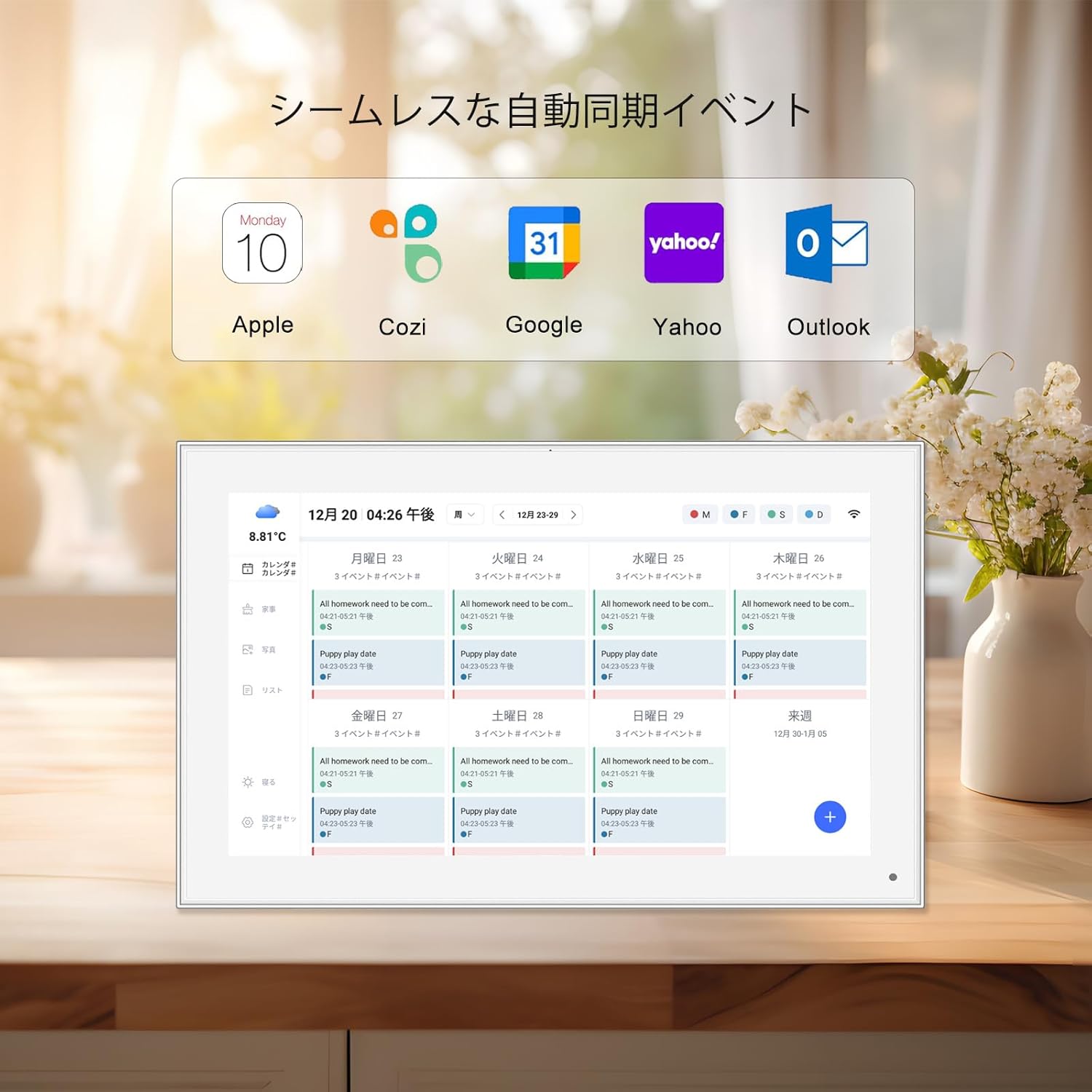
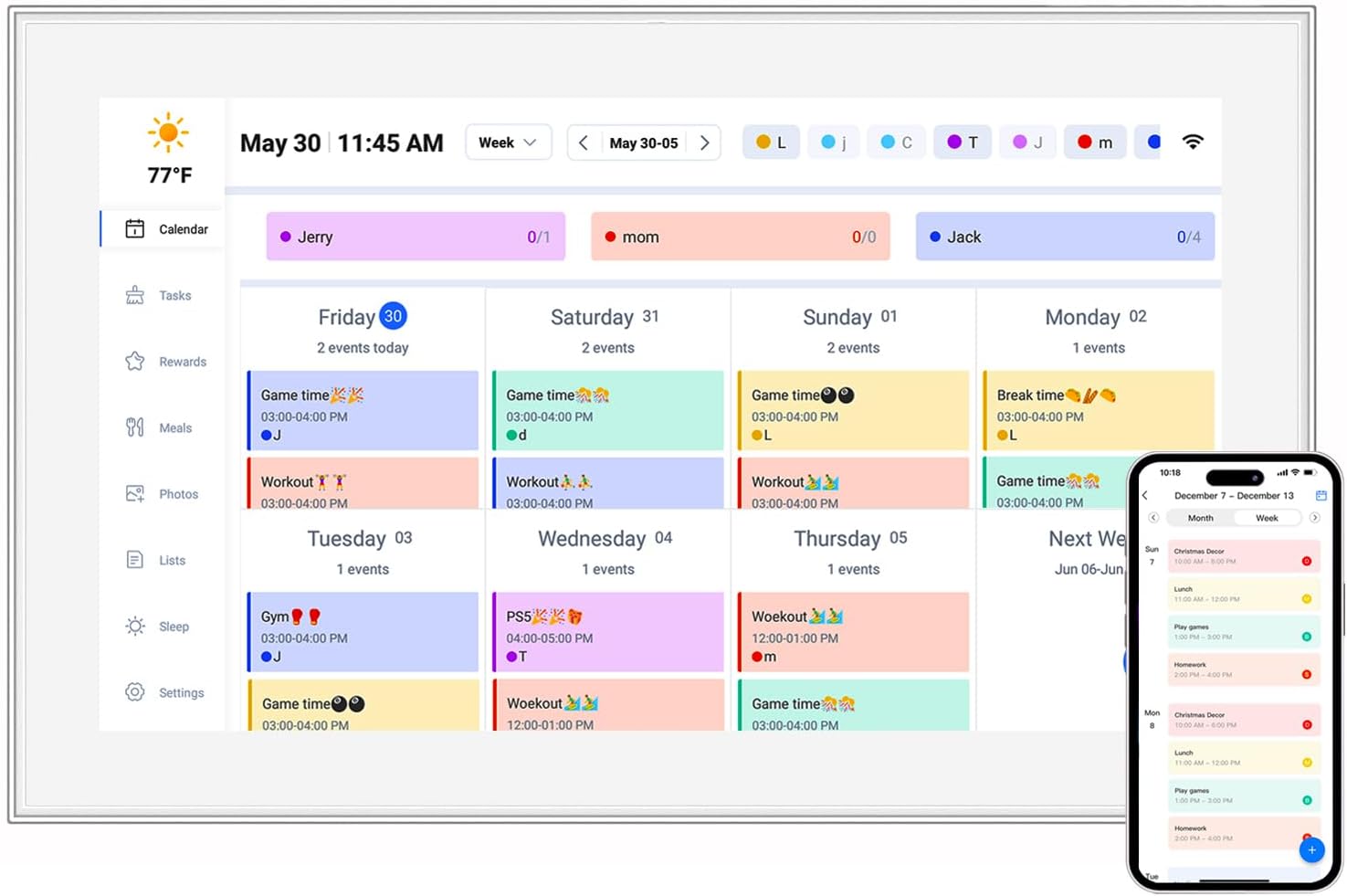
Your company is upgrading the conference room with Android tablet digital signage—a 21.5 inch touchscreen display that will show presentations, live data dashboards, and video calls. Here, UFS is non-negotiable. Imagine trying to pull up a 100-slide PowerPoint presentation with embedded videos on eMMC storage—you'd be waiting minutes for each slide to load, disrupting the meeting flow. With UFS, the presentation loads instantly, and switching between apps (video call, notes, data dashboard) happens seamlessly. The extra cost is worth it for the productivity boost and professional impression.
Scenario 3: The All-Purpose Family Tablet
You want a tablet that the whole family can use: your partner streams movies, your teen edits photos, and you occasionally work on documents. This is a toss-up. If you're on a tight budget, eMMC might still work, but you'll notice slowdowns when multitasking. If you can splurge a bit, UFS makes the tablet feel premium. Loading Netflix while your teen edits a 4K video? No problem. Downloading a game while browsing the web? Smooth as butter. For a family tablet that gets heavy use, UFS is the better long-term investment.
Scenario 4: The Specialized Device (e.g., Digital Photo Frames)
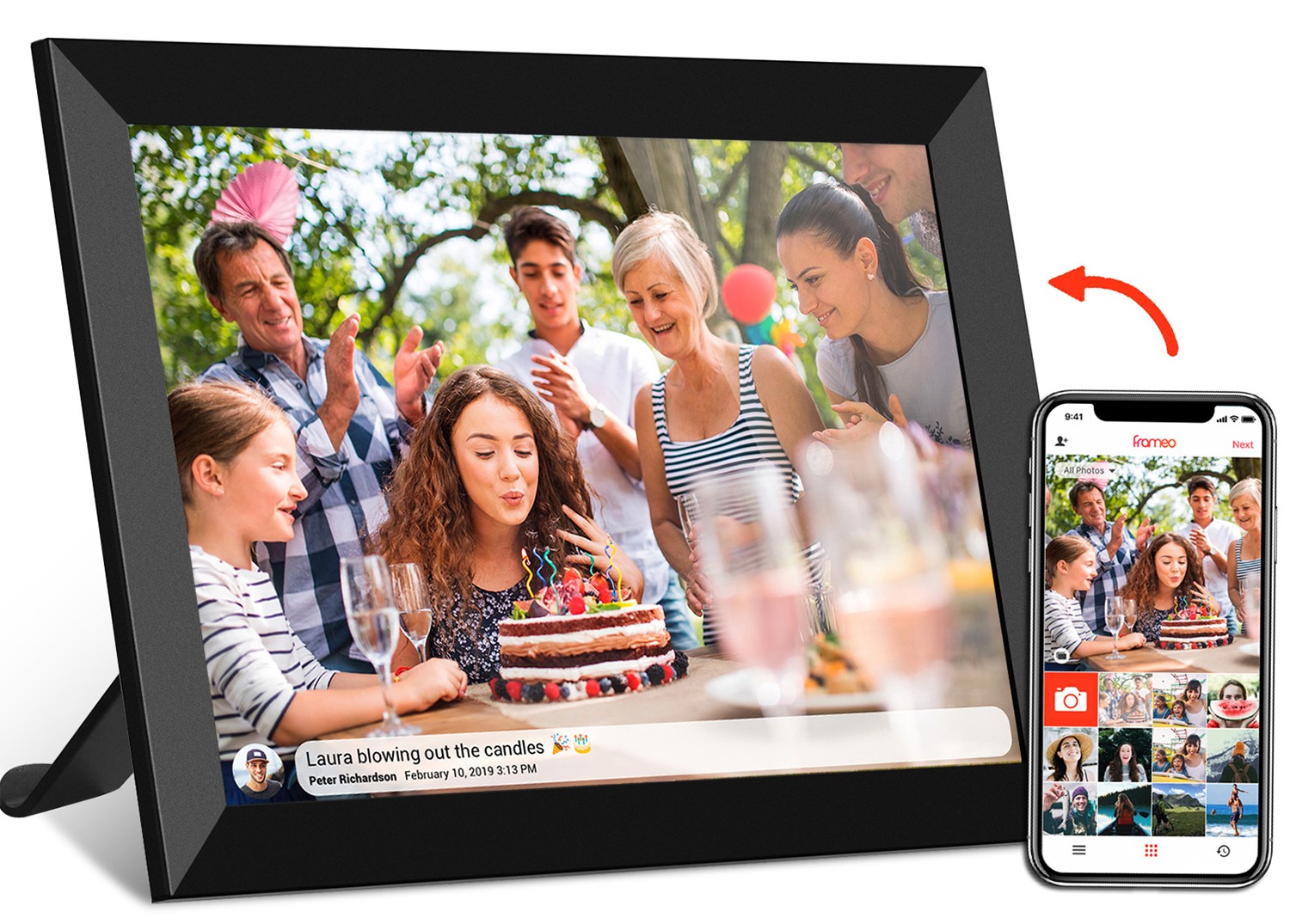
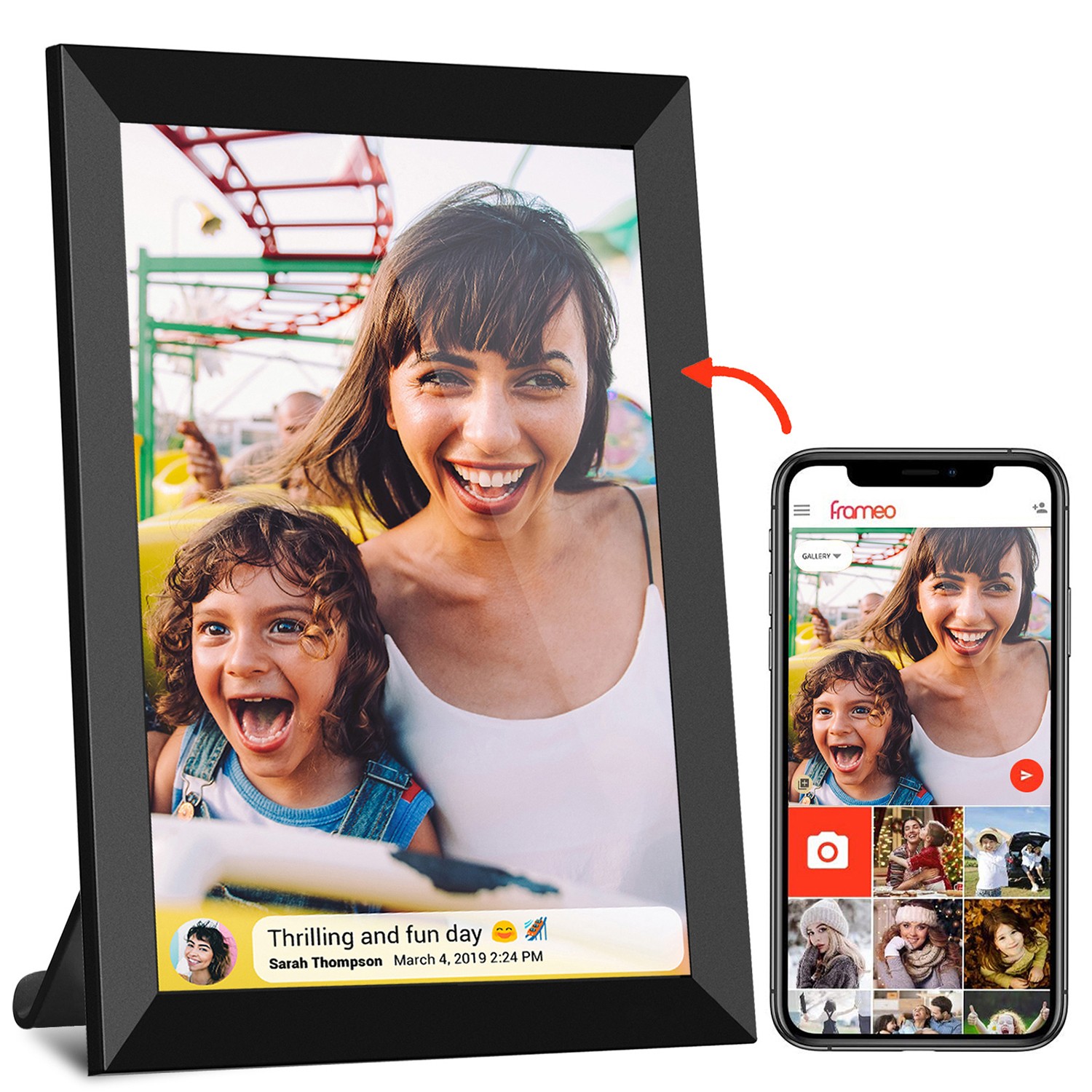
What about a 10.1 inch wireless wifi digital photo frame, like the Frameo models popular for sharing family photos? These devices don't need blistering speed—they're mostly displaying photos and short videos. eMMC is more than enough here, which is why many digital photo frames use it. The focus is on battery life and connectivity, not raw storage speed. Save UFS for devices that need to do more than just display content.
How to Tell Which Storage Type Your Tablet Has
Curious if your current Android tablet uses eMMC or UFS? Here's how to check:
- Check the specs sheet: Most manufacturers list storage type in the "technical specifications" section of their website. Look for terms like "UFS 3.1" or "eMMC 5.1."
- Use a benchmark app: Apps like AIDA64 or AndroBench can test storage speeds. If read speeds are under 300 MB/s, it's eMMC. Over 1,000 MB/s? UFS.
- Price point: Tablets under $200 almost always use eMMC. Those over $300 are likely UFS, though some mid-range models ($200–$300) might use UFS too.
The Future: UFS Takes Over, But eMMC Hangs On
As Android tablets get more powerful, UFS is becoming the standard. Even mid-range devices are ditching eMMC for UFS 3.1, and UFS 4.0 is starting to appear in flagship models. In a few years, eMMC might be relegated to only the cheapest kids tablets and very basic devices.
But here's the thing: storage technology doesn't stand still. UFS 5.0 is already in development, promising even faster speeds and better efficiency. And new storage types, like storage-class memory (SCM), could blur the line between RAM and storage, making future Android tablets feel even more responsive.
For now, though, the choice is clear: if you need speed, multitasking, or reliability (like in meeting room digital signage), go with UFS. If you're on a budget and need a simple device (like a kids tablet), eMMC is still a solid option. Either way, understanding the difference helps you make a smarter purchase—no more wondering why your new tablet feels slower than your old one.
Final Thoughts
Storage might not be the sexiest feature of an Android tablet, but it's one of the most important. eMMC and UFS represent two different philosophies: eMMC prioritizes affordability and simplicity, while UFS delivers speed and performance. Whether you're buying a kids tablet for casual use or outfitting a conference room with high-end digital signage, knowing which storage type to choose ensures you get the best experience for your needs.
So, next time you're shopping for an Android tablet, don't just look at the storage capacity (32GB vs. 64GB vs. 128GB). Check the storage type too. Your future self (and your impatient kids, or colleagues) will thank you.