How a bright, easy-to-use display is changing daily life for seniors and their families—no tech stress required.
For many older adults, keeping track of the days can feel like a small but persistent challenge. Think about it: tiny print on a paper calendar that's hard to read without glasses, fumbling with a smartphone's date settings that never seem to stay updated, or the sinking feeling of forgetting a doctor's appointment because the reminder got lost in a cluttered inbox. These aren't just minor inconveniences—they can chip away at confidence, create unnecessary stress, and even lead to missed moments with family and friends.
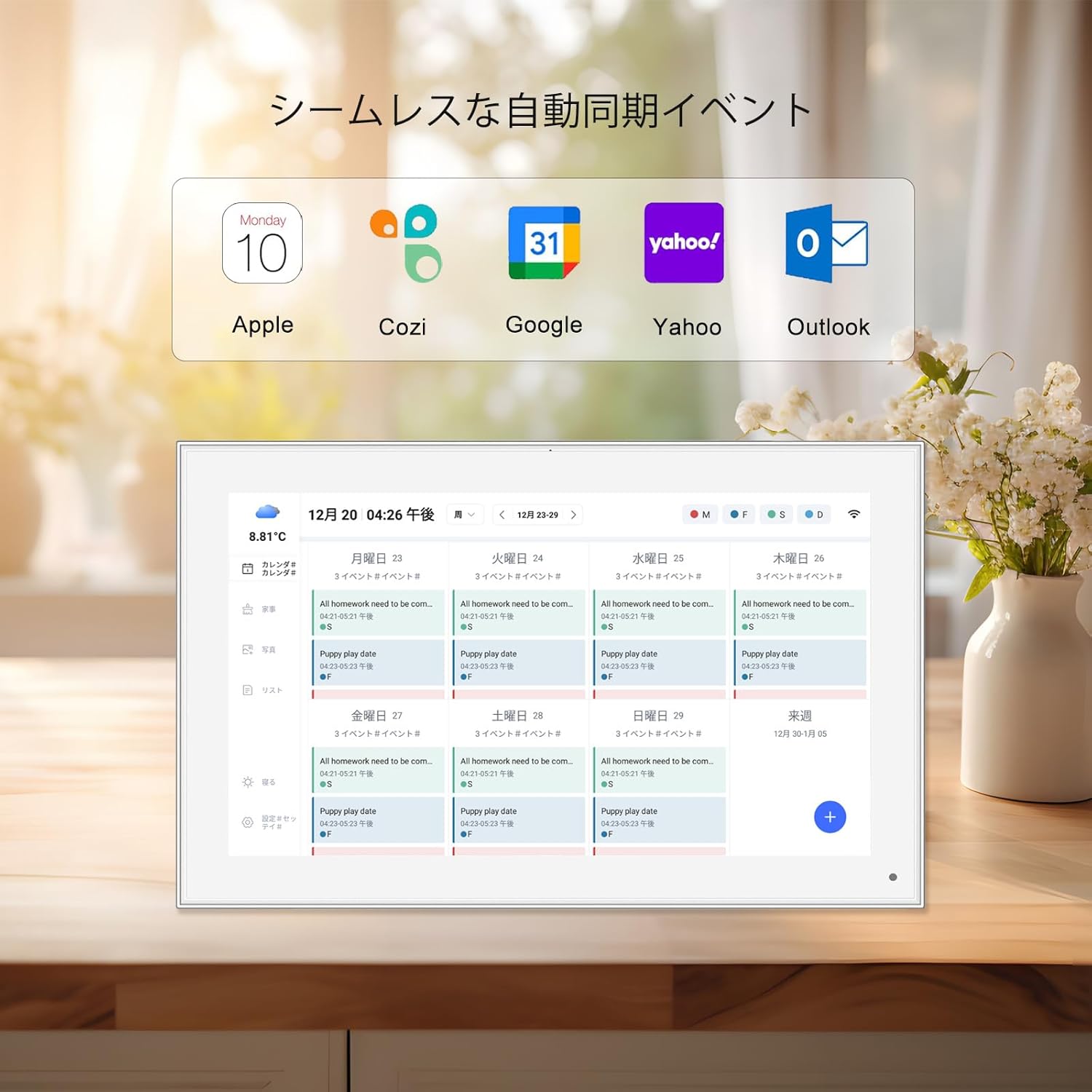
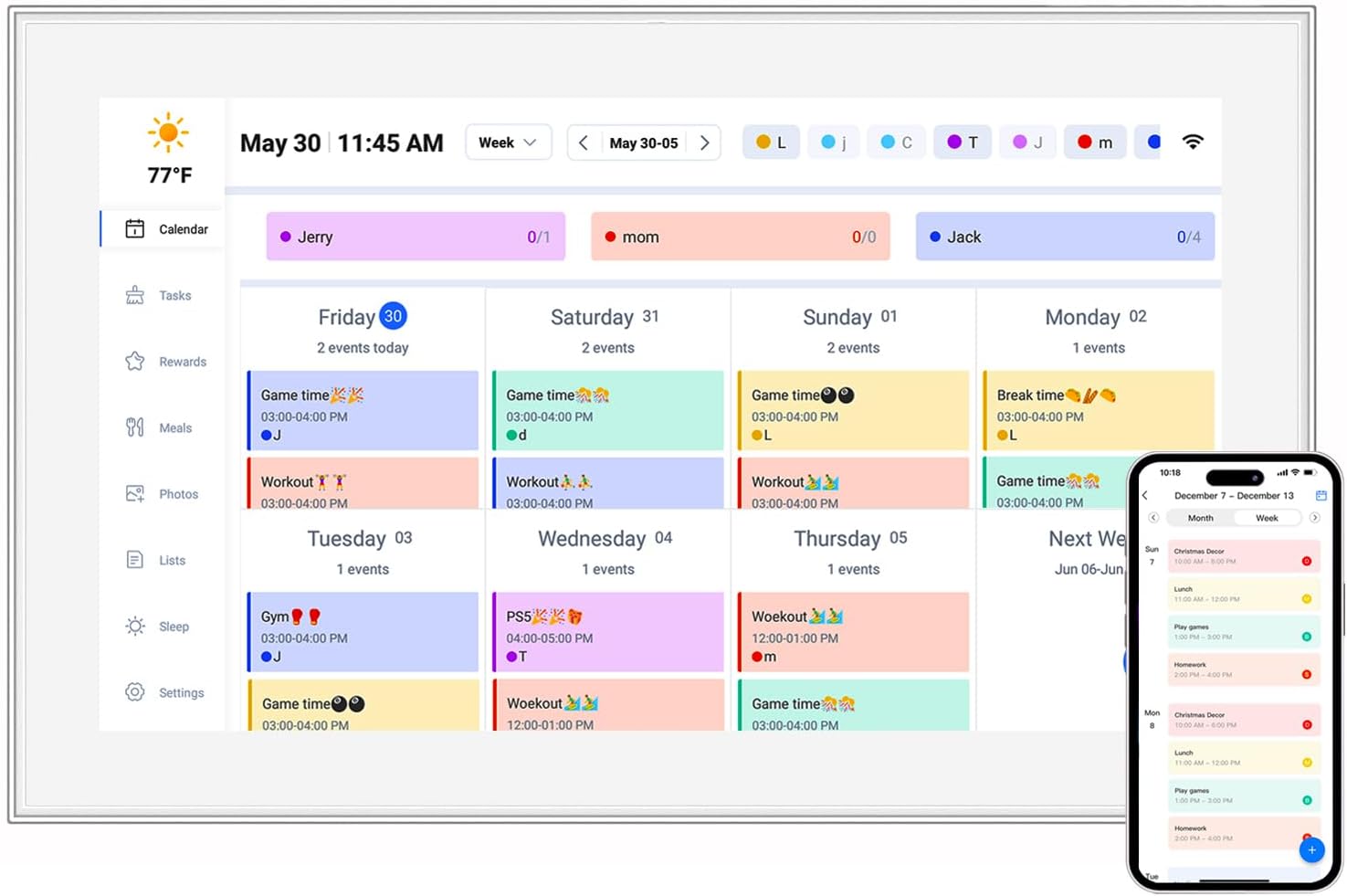
That's where a WiFi calendar clock comes in. It's not just another gadget. It's a tool designed with simplicity in mind: a large, clear screen that shows the day, date, time, and even photos—all in one place. And with WiFi, it stays updated automatically, so there's no need to adjust settings when daylight savings time hits or when the month changes. For seniors, it's like having a helpful friend in the room, gently keeping track of the details so they can focus on what matters most.
Not all calendar clocks are created equal. When it comes to seniors, the best ones check a few key boxes: visibility, simplicity, and connection . Let's break down the features that matter most, using a popular model like the 21.5-inch ZN-DP2101C (a digital calendar clock designed specifically with seniors in mind) as an example.
| Feature | Why It Matters |
|---|---|
| 21.5-inch IPS Display | A large screen means no squinting. IPS technology ensures the display looks clear from any angle—whether you're sitting on the couch or standing across the room. |
| 1920x1080 Resolution | Sharp, crisp text. Words like "Wednesday" or "December 15" aren't blurry—they're easy to read, even for those with mild vision loss. |
| WiFi Connectivity | Auto-updates the time and date (no more manual changes!). Family members can send photos or reminders from their phones, keeping seniors connected. |
| 32GB Storage | Store hundreds of family photos, birthday reminders, or even short video messages. It's like a digital photo album and calendar in one. |
| Touchscreen Controls | Large, responsive on-screen buttons. No tiny knobs or confusing remote controls—just tap to adjust brightness or switch between "calendar" and "photo mode." |
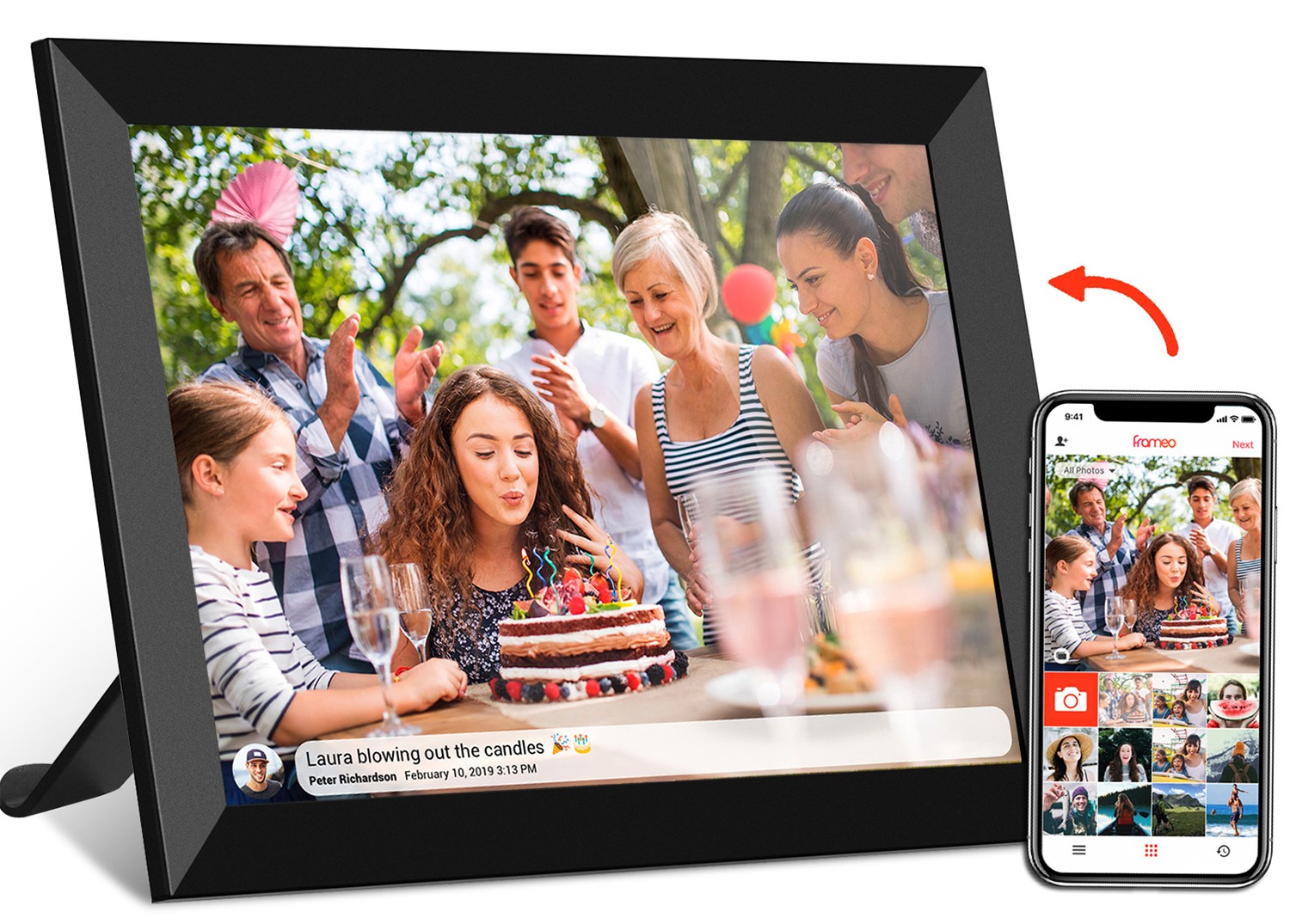
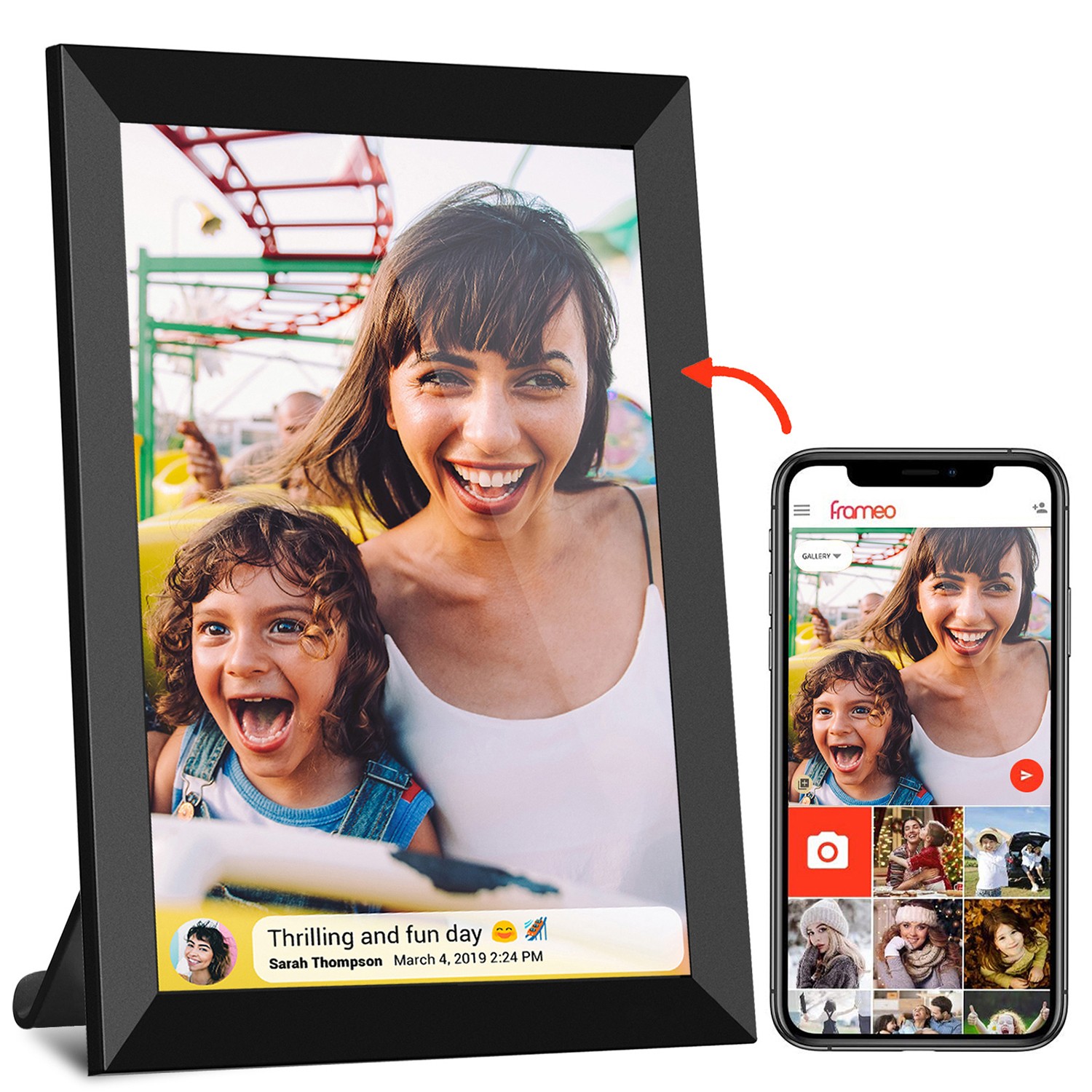
One of the biggest perks? It's more than a calendar. It's also a wifi digital photo frame. So alongside the date, seniors can see photos of their grandkids, a favorite vacation spot, or a family gathering. It's a way to stay connected to loved ones, even when they're not in the room.
Here's the best part: setting up a WiFi calendar clock doesn't require a degree in tech. In fact, most models (like the ZN-DP2101C) are designed to be plug-and-play, with step-by-step instructions that use pictures, not jargon. Let's walk through how easy it is—so you can either set it up for a senior in your life or guide them through it over the phone.
Take the clock out of the box. Inside, you'll find the clock itself, a power cord, and a quick start guide (with big pictures, we promise!). Plug the power cord into the back of the clock, then into a wall outlet. Press the small power button on the side, and the screen will light up. You'll see a welcome message—no complicated setup menus here!
On the main screen, tap the "Settings" icon—it looks like a small gear. Then select "WiFi." The clock will show a list of nearby WiFi networks (just like your phone does). Find your home network name, tap it, and type in your WiFi password using the on-screen keyboard. The keys are large and easy to tap, and the text is bold, so you won't mix up letters. Once connected, the clock will say "WiFi Connected" in green—done!
Now it's time to make it personal. Tap "Display Settings" from the main menu. Here, you can:
Pro tip: If typing is tricky, family members can do this remotely using the companion app (more on that later!).
Remember, this is also a digital photo frame. To add photos, tap "Photo Gallery" on the main screen. You can either:
Now the clock will cycle through photos alongside the date and time. Imagine waking up to a picture of your grandkids and the day's date—all in one glance.
Total setup time? About 10 minutes. And once it's done, the clock runs itself. It updates the time and date automatically, stays connected to WiFi, and even dims at night so it doesn't glow too bright in the dark.
Still not sure if a WiFi calendar clock is worth it? Let's look at how it fits into everyday life for seniors and their families. These aren't just hypothetical—they're stories we've heard from real users.
Mary is 78 and lives alone. She loves gardening and hosting family dinners, but lately, she'd been forgetting which day was trash day or when her daughter was coming to visit. Her eyesight isn't what it used to be, so paper calendars with small print were frustrating. After her son set up a WiFi calendar clock, everything changed. Now, the large screen in her kitchen shows "Tuesday, June 18 • Trash Day • Lisa visits at 3 PM" in bold, easy-to-read letters. "I don't have to ask anymore," she says. "It's like having a little helper right there." And when Lisa sends a photo of Mary's new granddaughter, it pops up on the screen automatically. "I smile every time I walk by," Mary adds.
Greenwood Assisted Living was looking for ways to help residents stay engaged. They added several WiFi calendar clocks in the dining room and activity area. Now, the clocks display the day's events ("Bingo at 2 PM," "Ice Cream Social Friday"), the weather, and photos from recent outings. Staff can update the events remotely using the app, so the information is always fresh. "Residents ask about the clock all the time," says Sarah, an activities director. "One man who rarely spoke now points to the screen and says, 'Bingo today?' It's helped him connect with others. And families love sending photos—we've had grandchildren send videos of school plays, and the residents watch them together. It's brought the community closer."
John, 82, has mild memory loss. He often asks, "What day is it again?" or forgets to take his morning medication. His wife, Linda, was worried about leaving him alone during the day. Now, their WiFi calendar clock has a "Medication Reminder" feature. At 9 AM, the screen flashes softly and shows "Time for Morning Pills" in red. John knows to go to the kitchen, where Linda has his pills ready. "It's not just a reminder for him—it's peace of mind for me," Linda explains. "And the photos help, too. He sees our wedding picture and says, 'Remember that day?' It sparks conversations we might not have otherwise."
You might be thinking, "Can't I just buy a cheap calendar clock online?" Maybe—but when it comes to a device for seniors, quality matters. A well-made clock will last longer, have better customer support, and be designed with real user needs in mind. That's where working with a trusted digital calendar day clock manufacturer makes a difference. Let's talk about what to look for.
First, experience counts. Companies with years in the industry (like those with over 17 years of making digital devices) understand what seniors need: durable screens that don't glare, buttons that don't stick, and software that's tested for simplicity. They don't cut corners on parts, which means fewer breakdowns and less frustration.
Second, customization options. A good manufacturer will let you tweak things like font size, color contrast, or even add custom reminders—because every senior is different. Maybe your mom needs extra-large text, or your dad wants the clock to play soft music when it's time for his walk. The best ones will work with you to make it just right.
Third, support when you need it. Let's say the WiFi stops working or the screen freezes. A reliable company will have a 24-hour support line with real people (not robots) who can talk you through fixing it. No waiting on hold for hours—just quick, helpful service.
We've heard a lot of questions from families and seniors considering a WiFi calendar clock. Here are the most common ones, answered simply.
At the end of the day, a WiFi calendar clock is about more than just telling time. It's about giving seniors confidence, keeping them connected to family, and making daily life a little easier. Whether it's a parent, grandparent, or someone in a care community, this simple device can bring a lot of joy—and a lot of peace of mind. And with a reliable manufacturer behind it, you know it's built to last, with support when you need it.
So why wait? A clearer, brighter, more connected day is just a setup away.